
## What is included
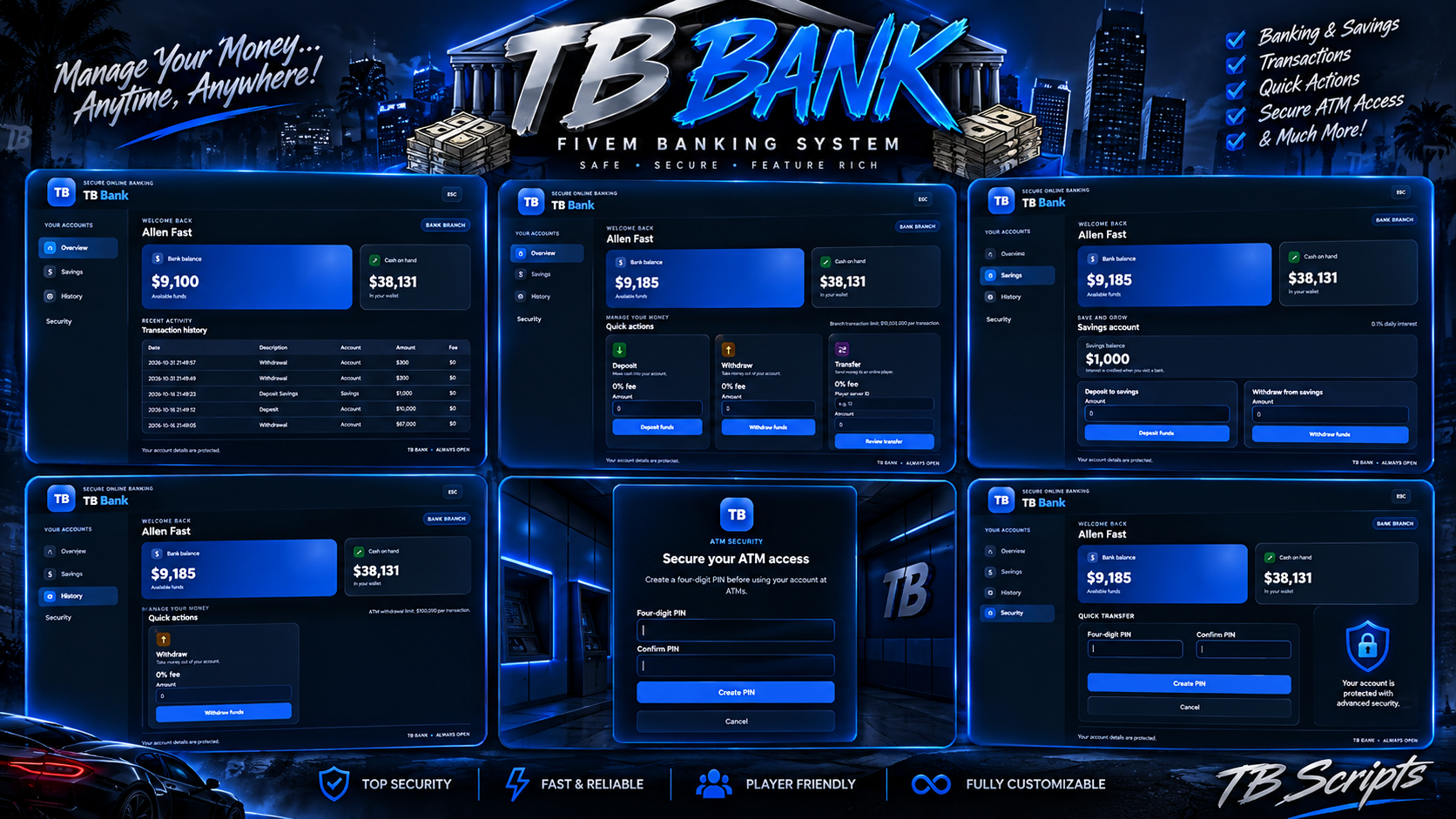
- Bank branch and ATM access, with configurable locations, markers, and map blips.
- Personal cash deposits and bank withdrawals at branches; ATM withdrawals are supported after PIN verification.
- Transfers to online players by server ID, with a recipient and fee preview before confirmation.
- Optional transaction fees and configurable branch and ATM transaction limits.
- Optional savings accounts with compound interest credited when a player visits a bank.
- English and Spanish menu text and notifications.
- ATM PIN creation, verification, change, failed-attempt lockouts, and timed ATM sessions.
- An ACE-protected staff command to reset the PIN of an online player.
- Server-side checks for player location, transaction amounts, balances, and recipients.
- Serialized money-changing requests, short-lived request-result caching, and transaction rollback attempts if a later step fails.
TB Bank only provides personal banking and personal savings.
## Requirements
- A FiveM server running GTA V.
- One supported framework: ESX (`es_extended`) or QBCore (`qb-core`).
- `oxmysql`, started before TB Bank.
- `ox_lib`, started before TB Bank, for notifications.
- A MySQL-compatible database. The database user must be able to create the resource's tables on first start.
## Installation
1. Install and configure your framework, `oxmysql`, and `ox_lib`. Confirm they start successfully on their own.
2. Copy the complete `tb_bank` folder into your server's `resources` directory. Keep the included `html` folder and its files in place.
3. Open `config.lua` and set `Config.Framework`:
- Use `'auto'` if exactly one supported framework is running.
- Use `'esx'` or `'qb'` if both frameworks are running, or if you want to select one explicitly.
4. Review the settings in `config.lua`, especially ATM PIN behavior, ATM locations, transaction limits, and savings interest.
5. Add the resources to `server.cfg` in dependency order: