
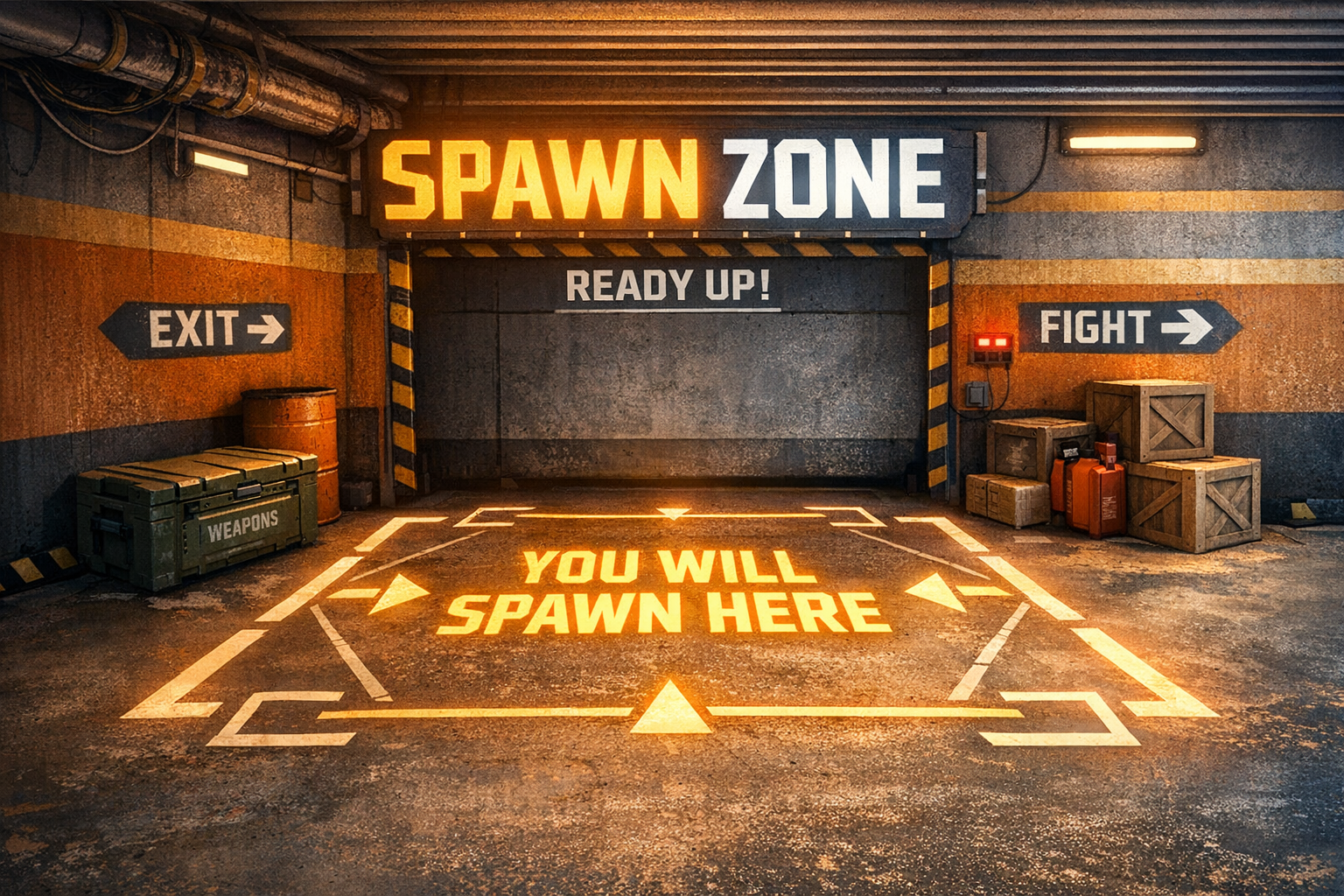
# Spawn Zone Script
Restrict vehicle spawning to specific zones and display blips for allowed spawn areas in FiveM.
## Features
- Only allow vehicle spawning in configured zones
- Automatically despawn vehicles spawned outside allowed zones
- Blips on the map for each allowed zone (if enabled)
## Installation
1. Place the `spawn_zone_script` folder in your server's resources directory.
2. Add `ensure spawn_zone_script` to your `server.cfg`.
## Configuration
- Edit `config.lua` to set allowed spawn zones:
- Add or remove entries in `Config.AllowedZones`.
- Each zone requires `x`, `y`, `z`, and `radius`.
- Blip settings can be changed in `config.lua` under `Config.Blip`.
- Set `Config.ShowBlips = true` to show blips for allowed zones.
## Usage
- Vehicles can only be spawned inside the defined zones.
- Once a car is spawned inside an allowed zone, it can be driven anywhere on the map.
- If a vehicle is spawned outside a zone, it will be deleted and a notification will appear.
- Blips will show on the map for each allowed zone if enabled.
- Zones must be added manually in `config.lua`.
## Troubleshooting
- If blips do not appear, ensure `Config.ShowBlips = true` and your coordinates are valid.
- Check the F8 console for errors if the script does not work as expected.
## Credits
- Script by TB SCRIPTS
---
For more help, open an issue or contact the author.